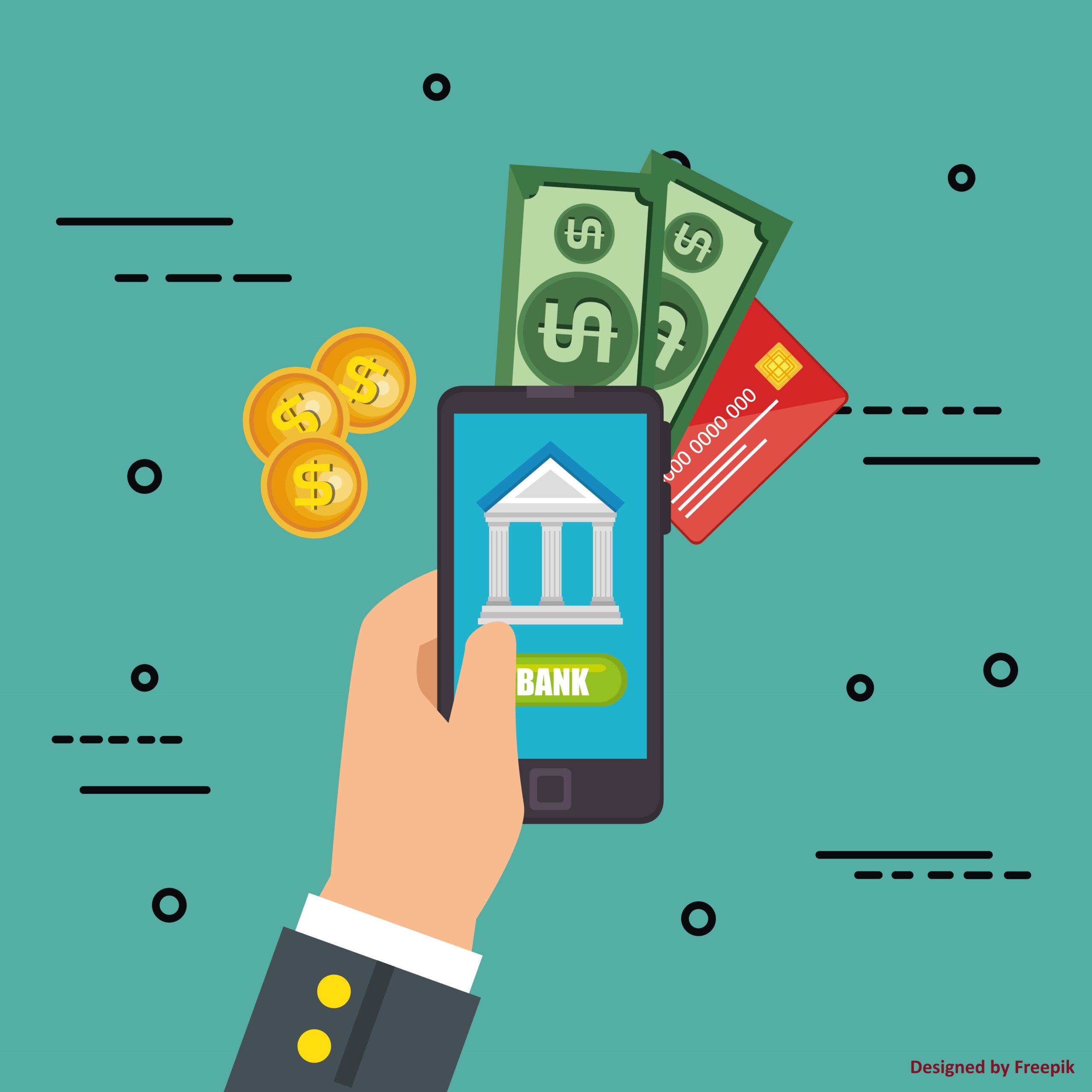
From online banking to social media accounts and everything in between, if you’re not proactive about keeping your personal database safe, you’re basically asking for trouble. It’s easy to see how we can become targets for cyberattacks.
Have you ever thought about just how safe your personal information really is? It’s a question we sometimes rarely ask. But believe me, it’s always on the minds of cybercriminals. After all, it’s what they do, from stealing your personal information, to stealing your money, these criminal are always looking for an opportunity to strike.
But don’t worry, in this guide, I’ll show 5 very simple things you can do to protect yourself. So let’s get to it!
You might think, when you hear the term personal database, that it means your information or data stored in a central location, like your computer or flash drive. In actuality, your personal database refers to all of your data and information stored across various digital platforms, like cloud services, apps, and of course, devices. Common examples of personal databases include:
Once you know and understand where your data is stored, you can begin taking measures to protect it. First, make a list of all your online accounts and devices you own. You can then use tools like LastPass or Dashlane to look for weak passwords and login credentials that may have been used before.
Regular checks are very important because they can help you find places you didn’t plan to store your data, like old accounts that you don’t use anymore.
A note on Phishing
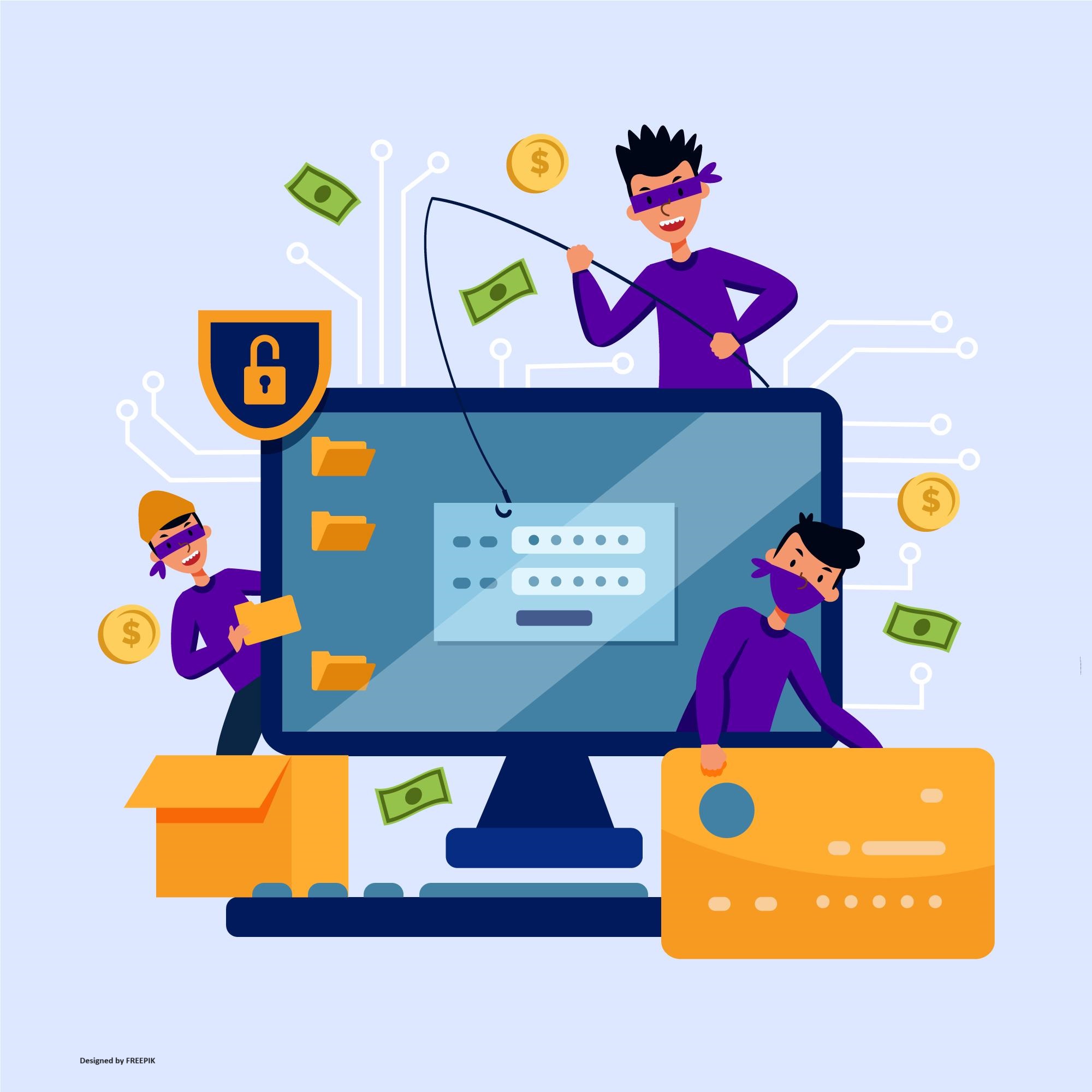
No topic on personal cybersecurity will be complete without talking about phishing. Phishing is a type of fraud and social engineering in which cybercriminals trick victims into disclosing personal information or downloading malicious software, such as ransomware, worms, viruses, or adware.
These scams come in the form of emails or text messages that look real, but are actually trying to steal your information. Be on the lookout for things like bad language, sender names you don’t know, or links that take you to sketchy websites.
Before adding any personal information, you should always make sure that emails and websites are real. For example, if you get an email that says it’s from your bank but asks for private information, you should contact the bank just to be sure.
2. Use Strong Passwords and a Password Manager
I’ve gone over passwords before, weak passwords make it easy for cybercriminals to get into your personal database. Cybersecurity experts say that using weak passwords, or previously used passwords that increase the risk of data loss significantly.
Using strong, unique passwords, and passwords that contain a combination of letter, numbers, and symbols, for each account. This is one of the best ways to keep your personal information safe.
Password managers, such as 1Password and Bitwarden, can help you make and remember complicated passwords, which lowers the risk of someone getting in without permission.
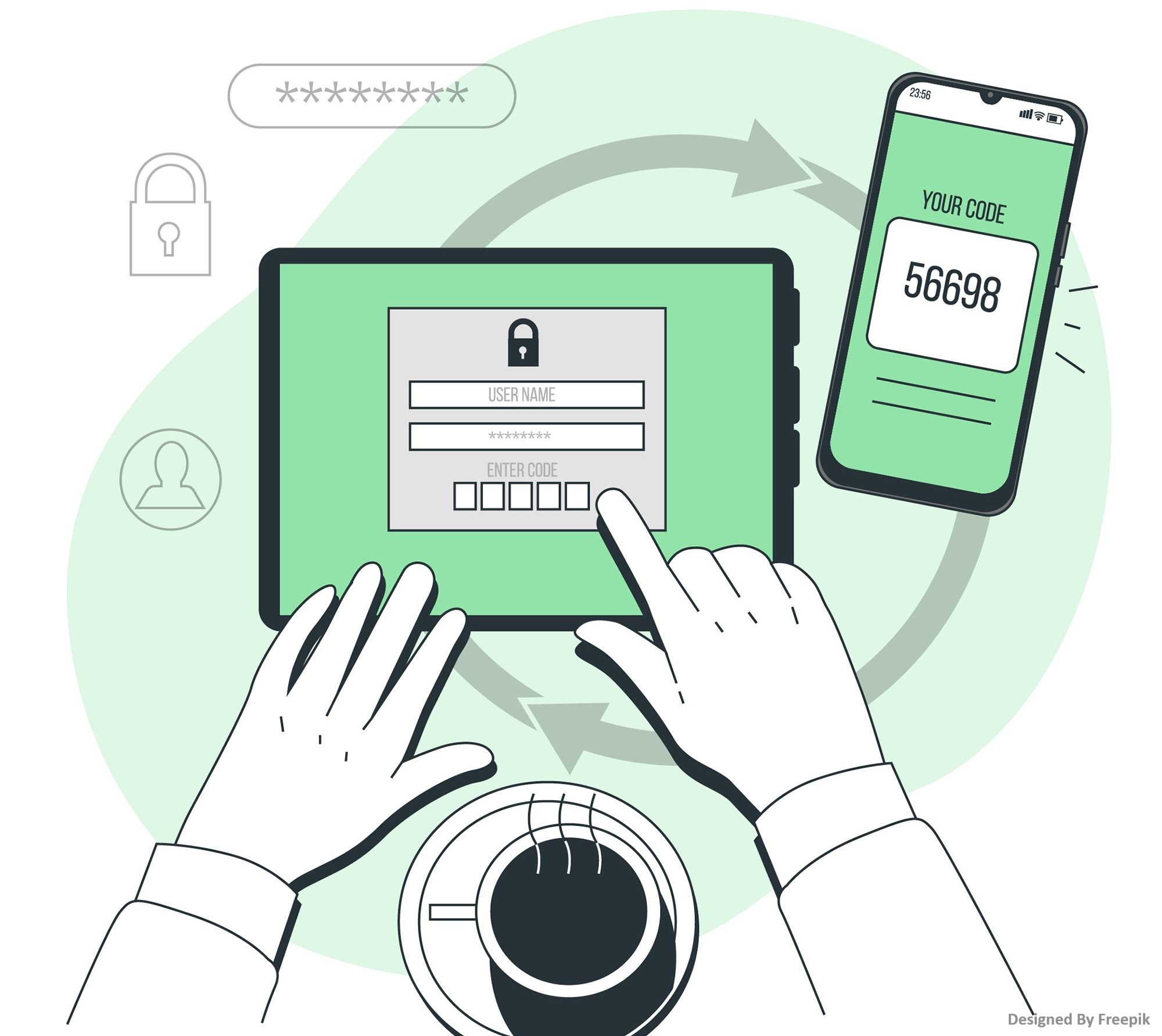
Along with using strong passwords, Multifactor authentication (MFA), which I also wrote extensively about previously, should be turned on for all accounts that allow it. This makes it a lot safer by needing not only a password but also a second way to prove who you are, like a text message or code sent to your phone, or even a login app.
If you take these steps to keep your personal information safe online, the chances of it being stolen can be dramatically lower.
3. Regularly Back up Your Data
To protect your information and safety online, you should always make regular backups. Backups can help you recover your data in case of accidental deletion, hardware failure, or ransomware attacks. They’re like a safety net, so even if your personal database does get compromised in some way, you won’t lose your important data.
Start by set up your devices to automatically back up. For complete safety, you need to back up both locally (to a portable hard drive) and in the cloud (using services like iCloud or Google Drive).
While backing up your data is great, you should also make sure your backups are encrypted. Encryption is the process of scrambling your data, making it unintelligible to anyone else. It’s an easy way to keep your personal information safe.
However, if you don’t have the right decryption key, you can’t read your encrypted data. Hackers will not be able to read your data even if they get into your backups, because they must possess that decryption key. More on encryption in the next section.
4. Encrypt Your Personal Database
Encryption is a powerful tool for securing sensitive information. By encrypting your data, you can make it unreadable, without the decryption key that is, to any unauthorized individuals, even if someone has been able to access it.
There are various encryption tools available for different purposes. For file encryption, tools like VeraCrypt offer free, open-source encryption for individual files or entire drives. For online services, ensure they use encryption protocols like SSL/TLS (look for “https” in the website address, the “s” stands for secure).
Using encryption tools for files, drives, and online services is an important step towards your online privacy. For instance, encrypting sensitive documents stored on cloud services like Dropbox ensures that only you and authorized users can access them. Remember, encryption is like a lock on a safe—only those with the correct key can unlock it.
5. Keep Your Software and Devices Updated
Cybercriminals can often get into systems that have outdated software or software that isn’t kept up to date. Updating your devices and software is one of the easiest and most effective tips for safeguarding your personal database. Regular updates typically come with patches for security vulnerabilities that could be used by hackers to get into your data without your permission.
To make things easier, you can set up automatic updates for your operating system, apps, and antivirus software to ensure you’re always protected. Also, you need to be cautious with the software you download. Stick to reputable sources and avoid software that isn’t actively maintained, as outdated software is more likely to have unpatched vulnerabilities, which can lead to security breaches.
Conclusion
Keeping your personal database safe is a proactive way to protect your data and stay secure online. If you properly review your personal database, use strong passwords, back up your data regularly, encrypt any sensitive information, and keep your software up to date, you can really lower the chances of facing cyber threats.
Key Takeaways
Audit Your Personal Database: Identify where your data is stored and regularly check for vulnerabilities.
Use Strong Passwords: Implement unique, complex passwords and use two-factor authentication for added security.
Regular Backups: Automate local and cloud backups, ensuring they’re encrypted to protect against data loss.
Encrypt Your Data: Use encryption tools to secure your files, drives, and online services.
Keep Software Updated: Enable automatic updates to protect against the latest security threats.
 Skip to content