Isn’t it great that we have an entire month geared toward bringing greater awareness to cybersecurity? According to the US Cybersecurity & Infrastructure Security Agency, since 2004, October has been designated by the President and Congress to be National Cybersecurity Awareness month.
It’s a time when the public and private sectors collaborate to bring greater awareness to cybersecurity risks. So in the spirit of things, I’ll do my small part in providing some cybersecurity tips as it relates to remote workers protecting themselves online. So let’s get to it!
Ever since the world got hit with the COVID-19 pandemic, we have seen a tremendous increase in the amount of people working remotely. While this may be a dream come true to some, it does come with a few challenges, at least from a cybersecurity perspective.
When working from home, unlike a corporate office, we may tend to be a bit more relaxed in adhering to security protocols. Remote workers may also use unsecured networks, as well as having to deal with several access points to critical data. So, how to deal with these challenges? It’s simple actually, just follow these five security tips to keep your remote work safe:
1. Strengthen Your Passwords Across Work Platforms
I’ve covered this one numerous times before, and in honor of Cybersecurity Awareness Month 2024, I’ll do it again! Having weak passwords continues to be one of the major security vulnerabilities out there. This is particularly of concern when you’re working remotely, as you may be dealing with many platforms, software, and accounts all at once. These include email accounts, project management tools, cloud storage, and more. If any of these accounts get compromised, your entire work environment could be at risk.
That’s why having strong, unique passwords is so important, especially if you’re using your personal device for work, as many remote workers often do. Also, sharing a network or a device with others, increases the risk of a password becoming compromised. If a hacker can gain access to one weak password, he or she could also get into other linked accounts.
Regarding your passwords, they should be at least 12 characters long, combining uppercase letters, lowercase letters, numbers, and symbols. Avoid using obvious words or phrases like the infamous “password123” or “companyname2024.”
While having complex passwords is necessary to increase your security, having many complex passwords can get a bit confusing, however, having a password manager can help. Password Managers can help you generate and store complex passwords securely for each account, ensuring you never reuse the same password. Because reusing the same password is one of the most common cybersecurity risks for remote workers.
2. Enable Two-Factor Authentication on Work Accounts
Passwords are often touted as your first line of defense, but the second, would definitely be the robust Two-Factor or Multi-Factor authentication. When you’re working remotely, you must secure sensitive company data by ensuring that only authorized people have access to it.
Two-factor authentication provides that extra layer of security by requiring a second form of verification in addition to your password. This is typically something like a code sent to your phone, or a biometric input like a fingerprint, or facial recognition. So, even if your password falls into the wrong hands, that second verification would be required to gain access to your account.
For remote workers, 2FA is especially important, as working outside the office environment generally makes it more difficult to ensure devices and accounts are secure. In some cases, remote workers might be using public or shared Wi-Fi networks, which increases the risk of being targeted by hackers.
So it’s always a good idea to enable 2FA on all work-related accounts. Most major platforms such as Google, Microsoft, and Slack offer easy-to-set-up 2FA options, and many password managers integrate 2FA features as well.
3. Secure Your Home Office Wi-Fi Network
Working from home is basically an extension of the company you work for, and your home office Wi-Fi network becomes a gateway to your company’s sensitive information. Unfortunately, many people who work remotely often overlook securing their home network. Insecure networks can make it easy for cybercriminals to gain access to your devices, and, by extension, to your work files.
Consider a common oversight; most people don’t change the default settings on their routers, and this makes it a lot easier for it to get hacked. If a cybercriminal gains access to your Wi-Fi, they can monitor your online activity, steal your data, and even infect your devices with malware.
To safeguard your work environment, follow these steps:
Change your default router password to something unique and complex.
Update your router firmware regularly to ensure you’re protected by the latest security patches.
Enable WPA3 encryption, which is the most secure encryption available for Wi-Fi networks.
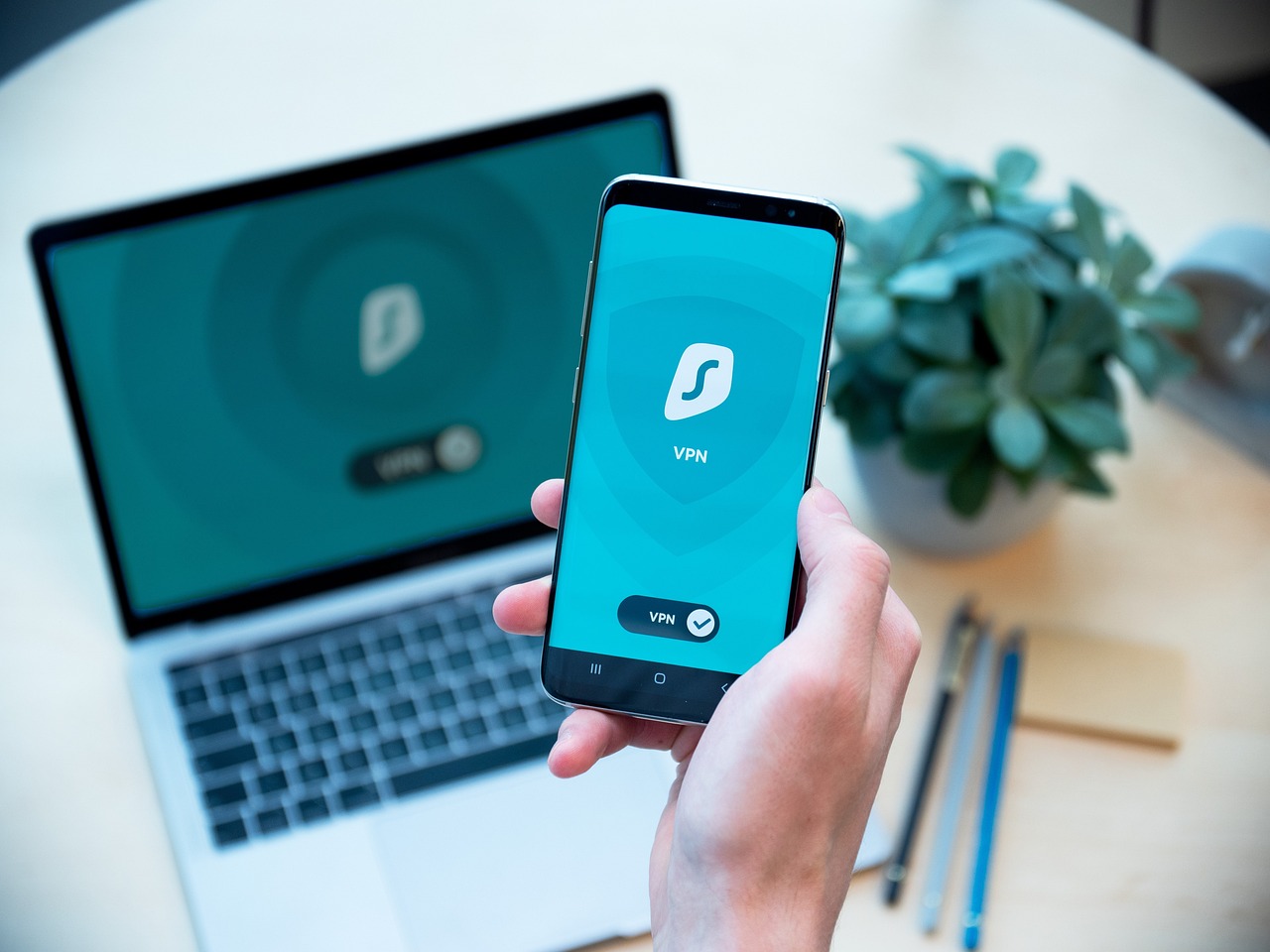
Consider using a Virtual Private Network (VPN) for added protection. A VPN encrypts your internet connection, making it more difficult for hackers to intercept your data. Setting up a VPN is especially useful for remote workers, as it ensures that all of your internet traffic is encrypted, even if you’re working on public or shared Wi-Fi.
4. Stay Alert to Phishing Attacks Targeting Remote Workers
In recent years, there has been an increase in the number of phishing attacks targeting remote workers. Remote workers are targeted by cybercriminals because they tend not to have the same level of security as they would in an office setting.
Cybercriminals know that remote workers often rely on email or messaging apps for communication, and they take advantage of that by sending fake emails. These emails look like they’re coming from trusted colleagues or companies.
If you’re working remotely, be especially cautious when opening emails, clicking on links, or downloading attachments, especially if they come from unfamiliar sources. Always verify any unusual requests for sensitive information. It also goes without saying, do not share information like passwords or credit card details.
Here’s how to stay alert:
Be cautious with emails that request sensitive information or prompt you to click on links or download attachments.
Verify the sender’s email address carefully; phishing emails typically have slight errors in the email domain (e.g., [email protected] instead of [email protected]).
Check for grammatical mistakes, generic greetings, or anything unusual in the content of the message.
If an email seems suspicious, contact the sender through a verified method (like a company phone number) to confirm whether the message is legitimate.
5. Back Up Work-Related Data Regularly
So you’re doing your work remotely, and all is fine, that is until you suffer a catastrophic hardware failure, or cyberattack. This is a nightmare for anyone, and it’s why having regular backups is so important.
Whether it’s due to ransomware, malware, or system crashes, losing critical work files can cause major setbacks. Backups are a great defense against data loss from any one of these disasters.
Many remote workers store sensitive data on personal devices, which may not have the same level of security as company-issued equipment. If your device gets infected with ransomware, your data could be encrypted and held for ransom. However, there is no guarantee that paying the ransom will restore access to your data.
To ensure you don’t lose access to important files:
Set up automatic backups to regularly store copies of your data.
Use cloud storage services like Google Drive or Dropbox for easy, off-site backups.
Make sure all your backups are encrypted, so even if your data is compromised, it remains secure.
Conclusion
For this Cybersecurity Awareness Month 2024, it’s a great time for remote workers to review their online security practices. Following these five must-do cybersecurity tips, and you can protect both your work information and your personal data from cyber threats.
Secure your passwords, enable two-factor authentication, secure your home Wi-Fi, avoid phishing scams, and regularly back up your data are simple yet effective ways to stay safe online. These practices will help you maintain a secure work environment, whether you’re at home or on the go.
Key Takeaways
Use strong, unique passwords for all work accounts.
Enable two-factor authentication on work platforms.
Secure your home Wi-Fi network and use a VPN.
Be cautious of phishing attacks targeting remote workers.
Regularly back up your work-related data for security.
 Skip to content